Move at your own pace with clean, focused page turns.
A desktop manga reader for your own collection.
Your manga.Kept in sequence.
Build your shelf, choose how pages flow, and return without hunting for your place.
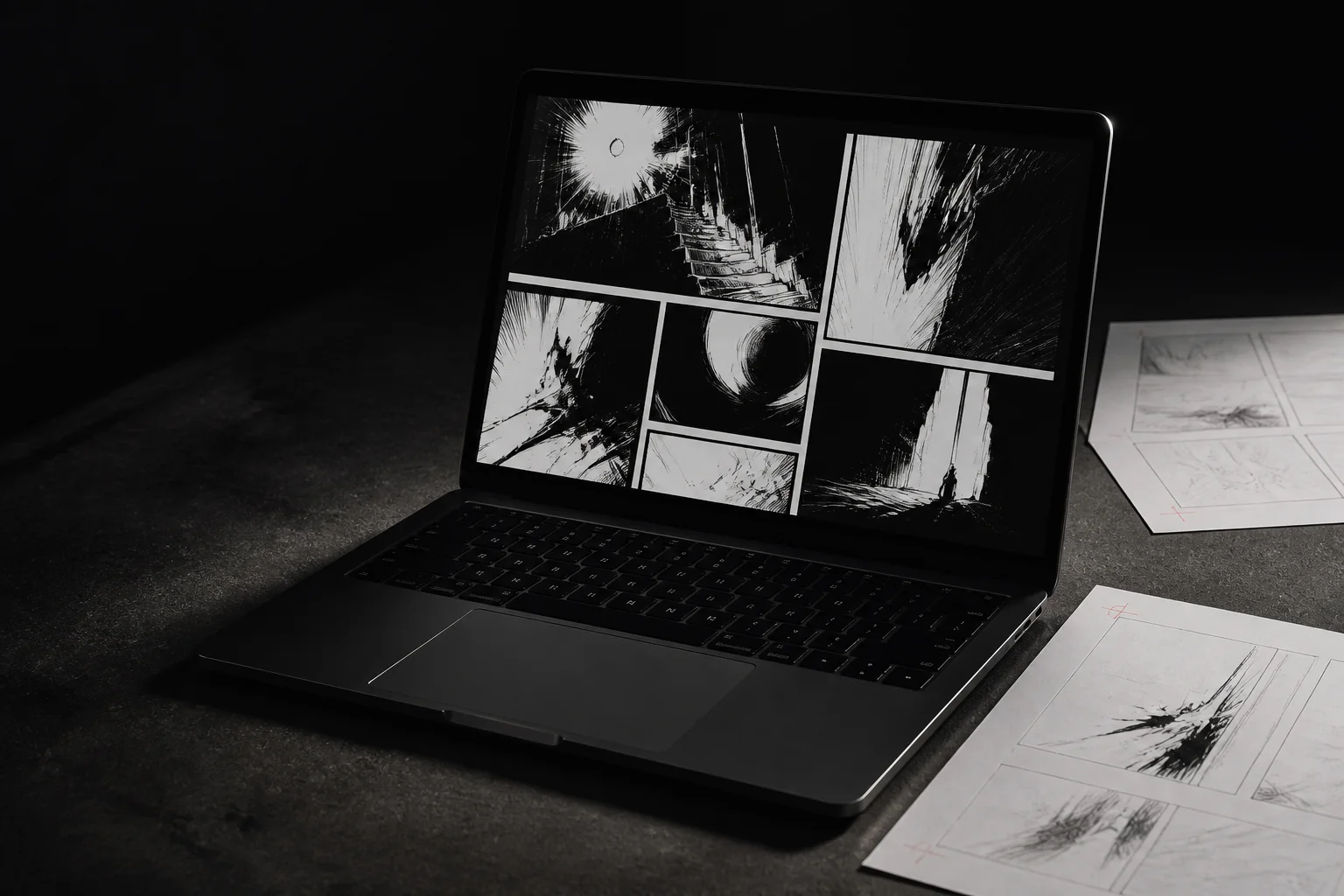
The reader
Choose how the pages move.
Read right-to-left or left-to-right. Fit artwork to the screen, hide the chrome, and keep the controls close when you need them.
Pair portrait pages and keep wide artwork intact.
Scroll through continuous artwork without breaking its rhythm.
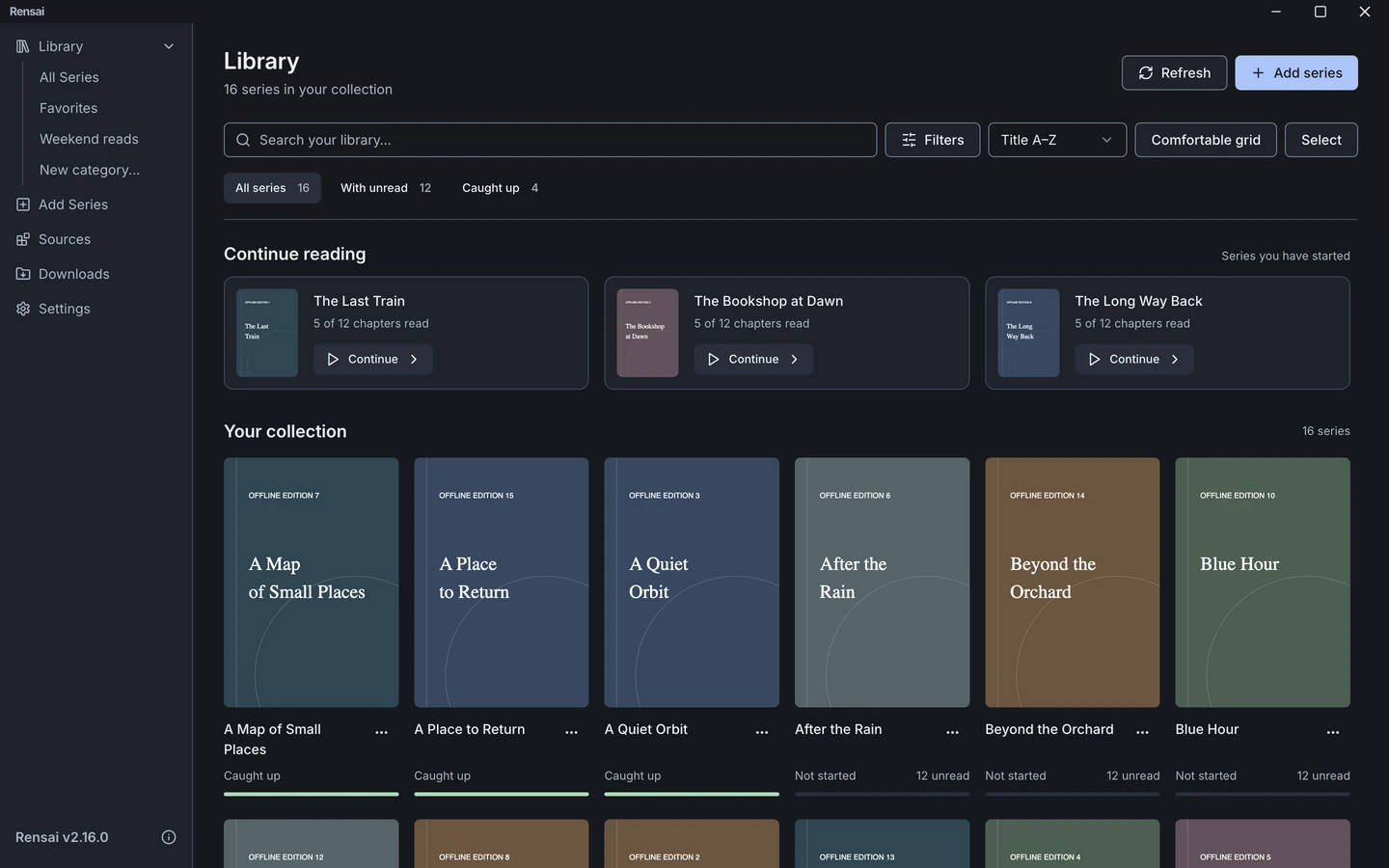
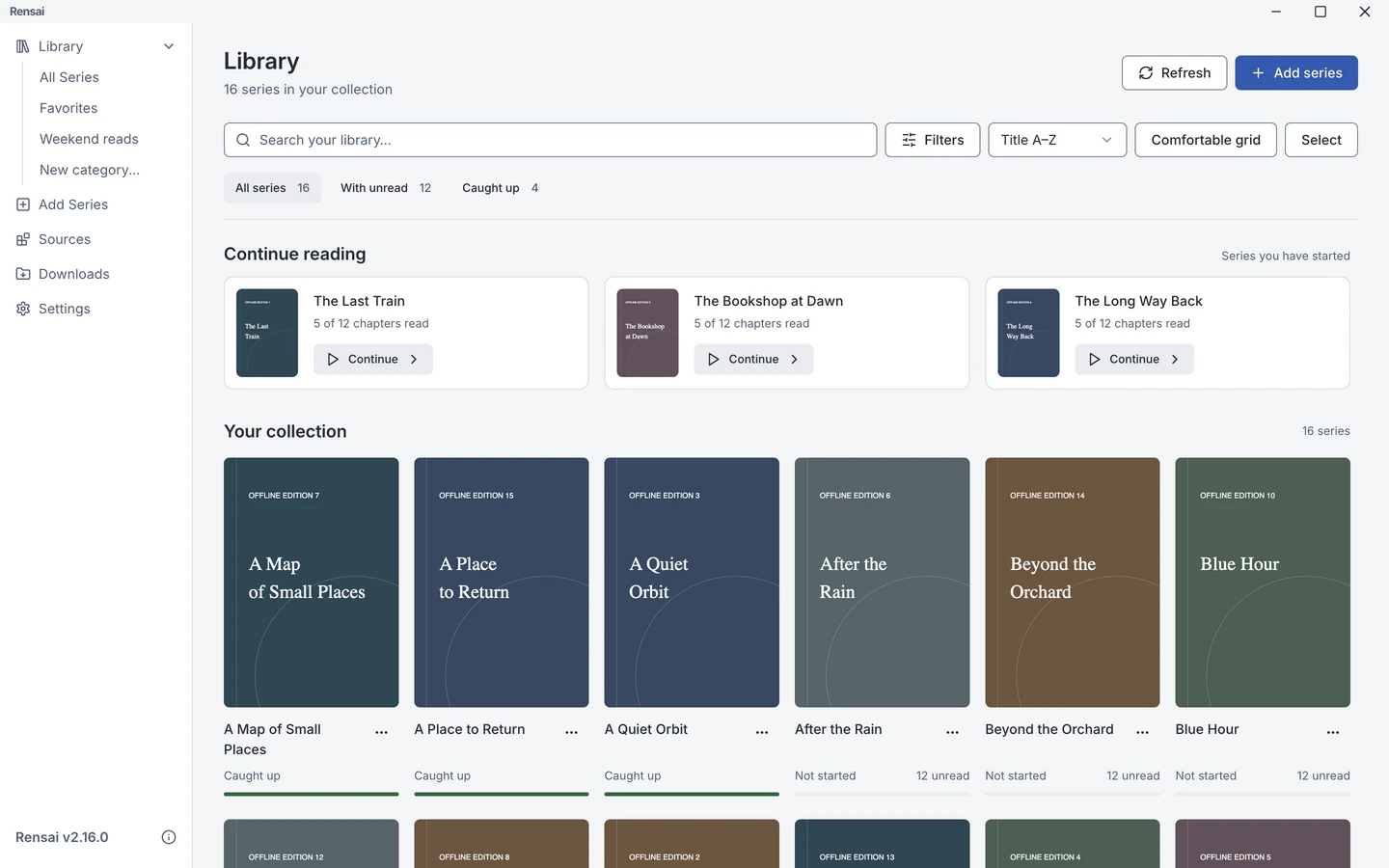
Your library
Find a series. Keep going.
Bring the chapters already on your computer into one shelf, see what is unfinished, and move back into the story.
Add ZIP, RAR, CBZ, and CBR chapters already stored on your computer.
Filter the shelf and spot unfinished series without keeping a separate list.
Finished chapters stay marked and keyboard controls take you straight into the next one.
Reader guides
Everything you need to start reading.
Learn how to bring in a collection, tune the page view, use the keyboard, and settle into a chapter.
Browse the guidesBeyond your files
Keep the next chapter close.
Add series from supported websites, save chapters for offline reading, and sync your progress with a tracking account.
Find series through Rensai Sources and bring them into your library.
Queue chapters ahead of time and manage downloads in one place.
Link series to AniList, MyAnimeList, or MangaUpdates.
About Rensai
A new chapter for an open-source reader.
Rensai continues the open-source work that began with Houdoku. The project keeps that history and credit visible while giving the reader its own name, experience, and future.
Read the project history